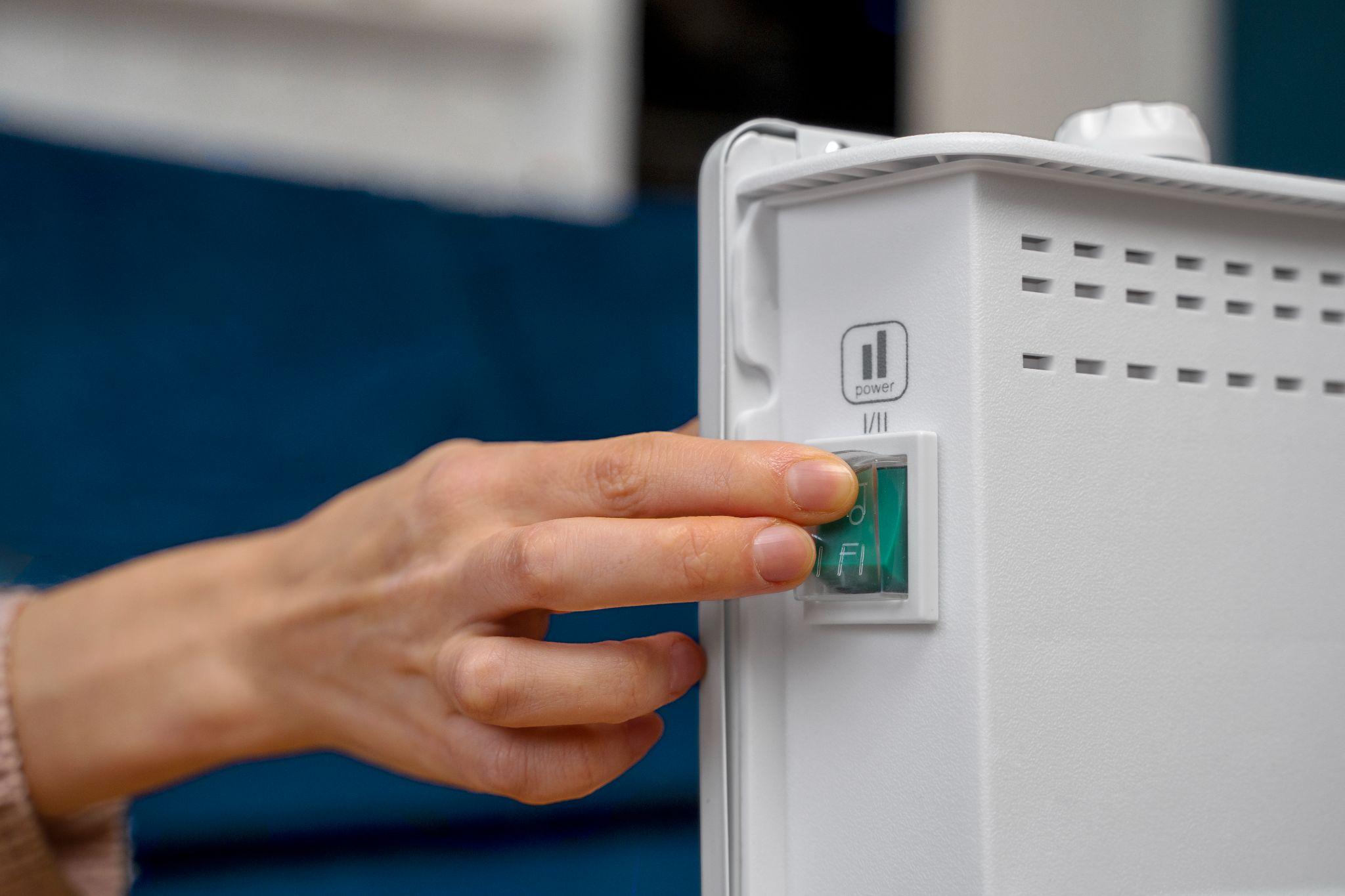

SOC is short for state of charge. It's the percentage in your battery app that shows how full the battery is right now, the same way a fuel gauge shows what's left in the tank.
Most people read it like their phone battery. It's 9 pm, the dishwasher is running, and the app says 41%. Will that get you through to the morning? Probably.
But if you've watched that number for a few weeks, you may have noticed it doesn't always behave the way you'd expect. Sometimes it jumps from 94% to 100% in a minute, and other times it stops at 20% when there's clearly energy left. On a stormy night, it seems to sit there doing nothing.
None of that is a fault. It all makes sense once you know what's going on behind the number, and that's what this guide is for. We'll keep it clear, the same way our engineers explain it to customers at handover, and we'll be upfront about where the figures are estimates.
By the end, you'll know what SOC is, why it moves the way it does, and which one setting is worth five minutes of your time.
How Does a Battery Know Its Own SOC?

Here's the part that surprises most people: your battery can't actually measure its state of charge. There's no sensor inside that reads "60%".
As pv magazine explains, the SOC of a lithium-ion battery can't be measured directly. It has to be worked out from voltage, current and temperature. So the percentage in your app is an estimate. According to pv magazine, even advanced, well-maintained systems can be out by up to 5%.
The estimating is done by the battery management system (BMS), a small computer built into every modern home battery. It mainly leans on two methods.
The first is keeping a tally. The BMS measures every bit of current flowing in and out and keeps a running count, a bit like tracking every litre through a fuel bowser instead of dipping the tank. Engineers call this coulomb counting.
The second is checking the voltage. A fuller battery sits at a slightly higher voltage, so the BMS uses voltage as a cross-check on its tally.
Why the number drifts and why that's okay
Any running tally picks up tiny errors, and over days of charging and discharging they add up.
Almost every home battery sold today uses lithium iron phosphate (LFP) cells, according to SolarQuotes, and LFP voltage stays very flat across most of the charge range.
Picture a fuel gauge whose needle barely moves between three-quarters and a quarter full. As pv magazine notes, that flatter curve makes SOC harder to estimate from voltage alone, and small counting errors can build up over time.
So the BMS waits for a landmark it can trust, usually a full charge, and resets its count there. That's the jump from 94% to 100% you might have seen. Some batteries also run a dedicated calibration cycle from time to time.
Tesla, for example, says a Powerwall that doesn't get enough natural cycling will calibrate every 30 to 90 days by charging to 100% and occasionally dropping below 20%, which can take it past your backup reserve.
If your battery does something odd every so often, this is the likely reason. If the jumps are big or frequent, it's worth raising with your installer.
Why 0% doesn't mean empty
Most home batteries hold back a small hidden buffer to protect the cells. That's why spec sheets list two figures: nominal capacity, which the Clean Energy Regulator describes as the most a battery can store at full charge, and usable capacity, which is what you can actually draw out.
The 0 to 100% in your app usually covers only the usable part, not every watt-hour inside the box.
That's also why two batteries with the same size on the box can deliver different amounts of energy, which our best solar battery comparison looks at brand by brand.
SOC vs DoD vs SoH: Four Terms That Sound Alike
Battery spec sheets are full of terms that sound alike, and these four get mixed up constantly.
Here's how they fit together.
| Term | What it tells you | Example | Where you'll see it |
|---|---|---|---|
| State of charge (SOC) | How full the battery is right now | 60% | Your battery app, every day |
| Depth of discharge (DoD) | How much has been used, or how far the battery is allowed to go | 40% used, or a 90% DoD rating | Spec sheets and warranties |
| State of health (SoH) | How much capacity the battery still has compared with when it was new | 92% after six years | Some apps and diagnostic reports |
| Usable capacity | The energy you can actually use between 0% and 100% SOC | 13.5 kWh | Spec sheets and quotes |
If you only remember one thing, make it this: SOC + DoD = 100%. A battery at 70% SOC has a 30% depth of discharge. Same fact, viewed from opposite ends.
SoH is the one that trips people up. Analog Devices defines it as a battery's ability to store and deliver energy compared with a new one. The easiest way to picture it: SoH is the size of the tank, while SOC is how full it is.
As a battery ages, the tank shrinks a little. It can still read 100% full, but full now holds a bit less than it did on day one.
When you're comparing quotes, usable capacity is the figure that decides how far your battery gets you into the evening. Our solar battery sizing guide shows how to match it to the way your household uses power.
The One SOC Setting Worth Five Minutes of Your Time
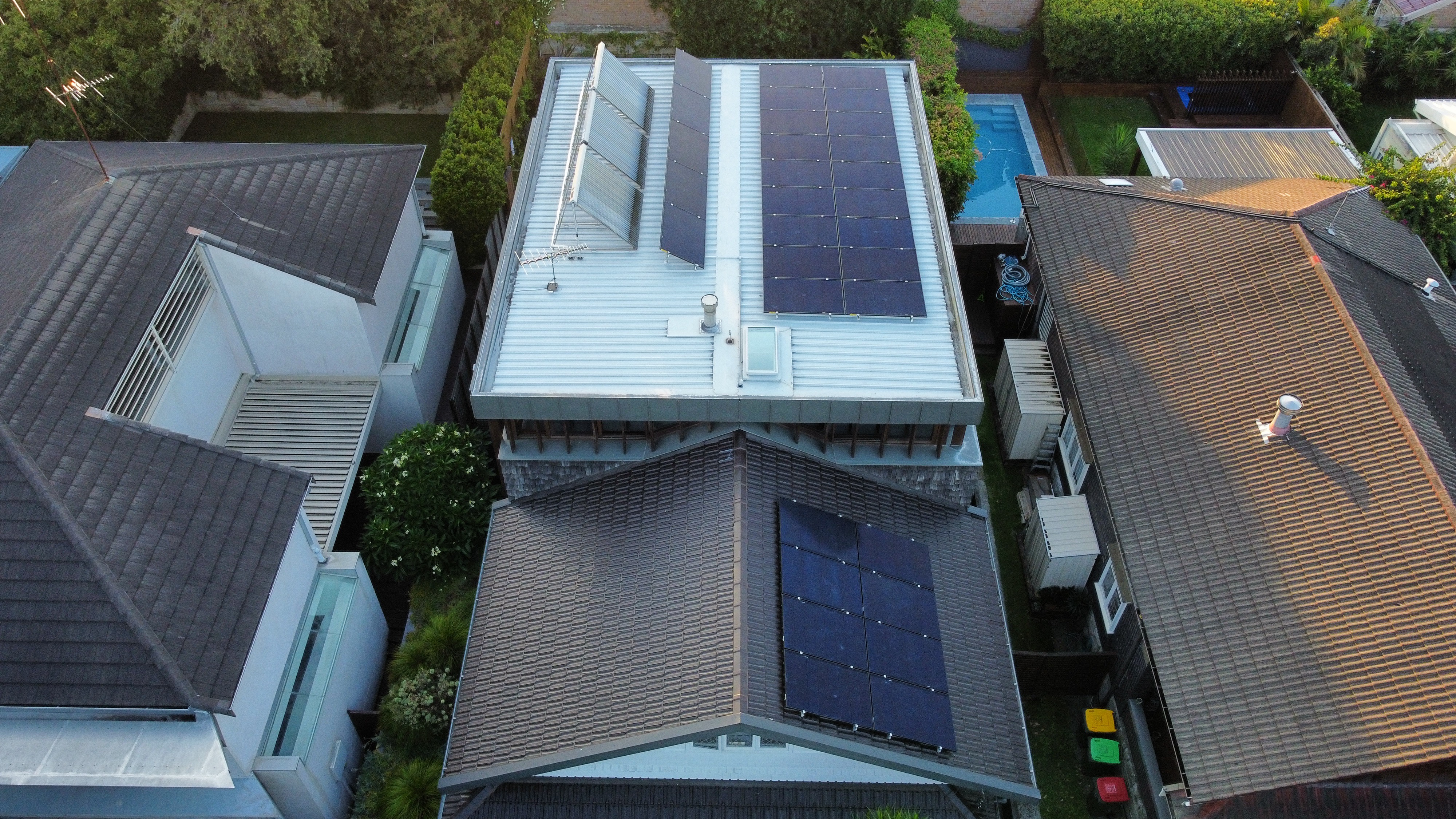
Remember the battery that stops at 20% when there's clearly energy left? That's not the battery giving up. It's a setting called the backup reserve: the SOC floor your battery won't go below in everyday use.
Each brand names it a little differently. Tesla calls it Backup Reserve and lets owners move it with a slider in the app. Other apps may call it reserved SOC, minimum reserve or discharge cut-off.
What the trade-off looks like
Here's a worked example for a battery with 13.5 kWh of usable storage:
| Reserve setting | Energy for daily use | Energy held for a blackout |
|---|---|---|
| 10% | 12.15 kWh | 1.35 kWh |
| 20% | 10.8 kWh | 2.7 kWh |
| 40% | 8.1 kWh | 5.4 kWh |
A higher reserve buys peace of mind in an outage but trims your daily savings. A lower reserve does the opposite. There's no single right answer, only the right answer for your household.
To make 2.7 kWh feel real: a fridge, some lights, the Wi-Fi and a couple of power points drawing around 300 W would run for roughly nine hours. That assumes those circuits are actually wired to your backup, which isn't always the case (our guide on solar and blackouts explains why).
What the manufacturer suggests
Tesla's guidance makes a sensible benchmark. Set a Powerwall's reserve below 20% and the app shows a 'Low Backup Reserve' indicator, because there may not be enough stored energy to carry your home through a longer outage.
At the other end, a 100% reserve stops the Powerwall from using its bill-saving modes at all. Tesla's everyday slider tops out at 80%, and 100% is only available as a temporary setting for up to 72 hours.
Choosing your number
If blackouts are rare where you live and savings matter most, 10 to 20% is a reasonable starting point.
If you lose power a few times a year in storms, or someone at home relies on medical equipment, 30 to 50% makes more sense. In that case, also check exactly which circuits are backed up, and make sure your retailer knows about any life support equipment. If you're on the Ausgrid network, you can also register as a life support customer directly with Ausgrid.
And when a big storm is forecast, there's nothing stopping you from lifting the reserve the day before and dropping it back once the weather has cleared.
It's also worth knowing that the reserve is usually set by the installer on commissioning day and then easily forgotten.
Opening your app tonight to see what yours is set to takes a couple of minutes, and if you're not sure why it's set where it is, that's a perfectly fair question to put to whoever installed it. If that was us, just give our team a call and we'll walk you through the reasoning.
When Your SOC Moves on Its Own: VPPs and Grid Charging
That stormy night when the battery seemed to sit there doing nothing? Sometimes there's a simpler explanation: something other than your household is deciding when it charges and discharges.
If you've joined a virtual power plant
A virtual power plant (VPP) lets an operator, usually your retailer, charge or discharge your battery during grid events. So your SOC can rise or fall while everyone's asleep.
If your battery was installed under the federal Cheaper Home Batteries Program, it can already do this. The Clean Energy Regulator requires grid-connected batteries under the program to be technically capable of joining a VPP.
Being capable doesn't mean you have to sign up, though, as the Clean Energy Council makes clear.
Some VPPs suit a household nicely, while others can end up drawing more from the battery than the credits are really worth. The detail that often makes the biggest difference is how low the operator is allowed to take your SOC.
Before signing, it's worth asking:
- What's the lowest SOC the operator can take my battery to?
- Does my own backup reserve still apply during events?
- How many events, or how many kWh a year, can the operator use?
We compare current offers in our guide to the best VPP providers in Australia, and if you do join one, the NSW Government also offers an incentive for connecting an eligible battery to a VPP.
Can you charge a solar battery from the grid?
Yes. Most hybrid and AC-coupled systems let you schedule a grid charge up to a target SOC. It's popular on time-of-use plans or plans with a cheap or free midday window.
In NSW, that now includes the Solar Sharer Offer, a regulated plan that gives eligible households three hours of free electricity in the middle of the day. You charge to, say, 80% when power is cheap and use it in the evening peak.
It tends to make sense in winter, when your panels can't fill the battery on their own, and before a forecast storm, so you go into a possible outage. It can also pay off in a genuinely cheap window, as long as the price gap is big enough.
That last condition matters more than the ads usually let on. Some energy is lost every time a battery charges and discharges, so topping up from the grid at an ordinary rate rarely comes out ahead. The savings are real in the right setup, but the margins are often thinner than people expect.
Exactly how you set up grid charging depends on your inverter, and our guides to hybrid inverters and AC-coupled batteries explain how the two approaches differ.
How We Set Up a Battery's SOC at Guwing Green

When our SAA-accredited engineers design a battery system, we:
- Model your evening load from twelve months of smart meter data, so the usable capacity fits how your household actually uses power.
- Agree your backup priorities before install, such as the fridge, lights, internet or medical equipment, and wire those to the backup circuit.
- Set your reserve at commissioning to balance daily savings against blackout cover, then show you where to change it in the app.
- Check any VPP terms with you, so the operator's minimum and your own reserve don't work against each other.
Every battery we install is put in by a Solar Accreditation Australia (SAA) accredited installer with battery endorsement, which the Cheaper Home Batteries Program requires.
Guwing Green is also a New Energy Tech Consumer Code (NETCC) Approved Seller, the consumer code the Clean Energy Regulator points households to when they're choosing a retailer.
On top of that, we're an accredited vendor for the NSW Government's Home Energy Saver program through Plenti.
That means eligible households can spread the cost of a new battery, or a solar and battery upgrade, over up to 10 years with a zero-interest loan of up to $15,000. Applications have to be lodged through an accredited vendor, so we can take care of that alongside your quote.
FAQs
What does SOC mean on a solar battery?
SOC means state of charge. It's the percentage that shows how full your battery is, from 0% (no usable energy left) to 100% (full).
What is a good SOC for a solar battery?
There isn't one magic number. Day to day, your battery will usually move between your backup reserve and full, which is exactly what it's designed to do. The setting that matters is the reserve: commonly 10 to 20% if savings come first, higher if you want more blackout cover.
Is SOC the same as battery percentage?
Yes. SOC is just the technical name for the battery percentage in your app or on the inverter screen.
What's the difference between SOC and DoD?
SOC is how much is left. Depth of discharge (DoD) is how much has been used. They always add up to 100%, so 70% SOC means 30% DoD.
Why does my battery SOC jump suddenly?
Your battery estimates its SOC and corrects itself when it reaches a reliable reference point, usually a full charge. A jump from the mid-90s to 100% is normal recalibration. If you see big or frequent jumps, mention it to your installer.
Can I change the SOC settings myself?
Usually, yes. The reserve and charging schedules can be changed in most battery apps. Deeper inverter settings, such as hardware limits, are best left to your installer.
Is Guwing Green an approved vendor for the NSW Home Energy Saver program?
Yes. Guwing Green is listed in Plenti's Home Energy Saver vendor directory as an accredited vendor, so eligible NSW households can fund a battery or solar upgrade with us through a zero-interest loan of up to $15,000, repaid over up to 10 years. Loans are open to homeowners and landlords with a combined taxable household income of up to $210,000, are subject to Plenti's credit assessment, and can be combined with other government incentives such as the federal battery discount. The program's separate discount of up to $4,000 for lower-income households hasn't opened yet, so keep an eye on the NSW Government's Home Energy Saver page for updates.
Conclusion
SOC is your battery's fuel gauge: a careful estimate, not a perfect reading, and that's fine once you know how it works. The jumps, the stop at 20% and the quiet stormy nights all have ordinary explanations.
The number really worth your attention sits just beneath it. Your backup reserve decides how your battery splits its energy between saving you money and keeping the lights on. Get that right, and the battery does the job you bought it for.
Not sure your battery is set up the way your household needs?
Our SAA-accredited engineers are always happy to talk it through, whether you're planning a new system or would like a second opinion on the one you already have.
We design every system around twelve months of your meter data, with every figure shown on the proposal. If you're eligible, the cost can also go on a zero-interest Home Energy Saver loan. See how our solar battery installation works, request a proposal, or call our engineers on 1300 174 647.
Filed under